
Introduction
Duplicate Outlook MSG files create unnecessary clutter, consume precious storage space, and make it hard to find important emails. They often occur after multiple exports of emails, merging email archives, restoring backups, or copying MSG folders from one computer to another. A few duplicate files might not seem like a big deal, but hundreds or thousands of them can turn an organized email archive into a confusing mess in no time.
A lot of users are afraid that by deleting duplicates they will also delete important emails. This is a valid concern because if you’re not careful, you can easily lose unique messages with manual cleanup. And even more difficult if you do not have Microsoft Outlook installed, which makes it difficult to view individual MSG files.
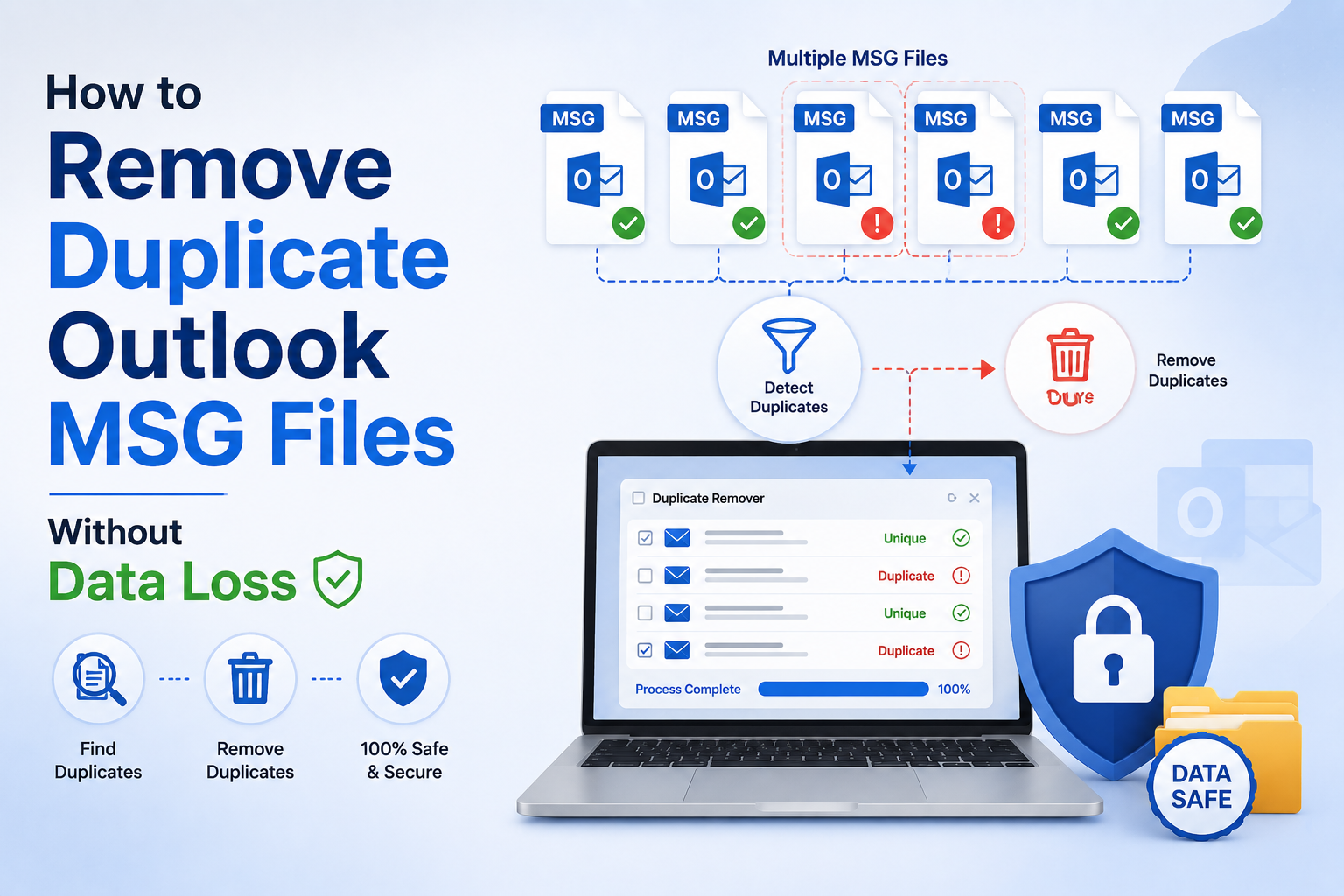
There are safe ways to delete duplicate Outlook MSG files without losing data. In this guide, you’ll learn why duplicates happen, how to remove them safely, and the best ways to do so for small and large email collections.
Why Users Need to Remove Duplicate Outlook MSG Files
Duplicate MSG files bring lots of practical problems to both personal and business users.
1. Save Storage Space
Having duplicate files of emails wastes disk space unnecessarily, especially if the messages have large attachments.
2. Keep Email Archives Organized
Deleting duplicate MSG files makes folders cleaner and more manageable.
3. Speed Up Email Searches
Searching a single copy of each e-mail is much faster than wading through many duplicate messages.
4. Prepare for Email Migration
Before migrating to other email platforms, one can clean duplicate MSG files to avoid repeated emails after migration.
5. Protect Important Business Records
A clean archive prevents confusion and makes it easier to locate the correct version of an important email when you need it for an audit, legal review, or customer support interaction.
Method 1: Back Up Your MSG Files Before Removing Duplicates
Best for: All users before they begin the cleanup process.
The best way to prevent data loss by accident is to make a backup.
Steps
- Locate the folder where your MSG files are stored.
- Copy the entire folder to another drive or to external storage.
- Check the backup opens correctly.
- Clean the original folder and leave the backup alone.
Pros
- Protection against accidental deletion
- Restore original files with ease.
- Recommended before each clean-up.
Cons
- Requires more storage space.
- Doesn’t remove duplicates from itself.
Method 2: Organize and Compare MSG Files Manually
Best for: Small collections with a limited number of MSG files.
Manual comparison is good when the archive is tractable.
Steps
- Open the folder where your MSG files are located.
- Sort files by name, date, or dimension.
- Group similar types of emails.
- Open suspicious files if necessary.
- Delete confirmed duplicates.
- Check the other files.
Pros
- No additional software needed.
- Lets you choose exactly which files you want.
- Good for small archives.
Cons
- Very time-consuming.
- Duplicates are easy to overlook.
- Greater chance of deleting the wrong file.
Method 3: Compare File Properties
Best for: Those with medium-sized MSG collections.
Windows File Explorer provides basic file info you can use to identify possible duplicate files.
Steps
- Open the MSG file.
- Change to Details View.
- Show the following columns: Name, Size, Modified, Type.
- Sort files by these properties
- Compare files that contain the same information.
- Remove duplicates, confirmed.
Pros
- Windows built-in.
- No Outlook needed.
- Fast duplicate detection
Cons
- The actual email content cannot be compared.
- Similar files are not necessarily identical.
Use Professional MSG Duplicate Remover Software
Handling thousands of Outlook MSG files manually is time-consuming and risky. Repeated exports or copied archives may mean that two files with different names contain the same email.
The solution is Softaken MSG Duplicate Remover Software. Rather than just comparing file names, these utilities look at important email properties such as sender, recipient, subject, sent date, received date, attachments, internet headers, and message size. This enables the software to detect true duplicate emails while safeguarding unique messages.
It also allows batch processing, selective folder selection, and even preservation of the original folder hierarchy. Microsoft Outlook is not required because the software works directly with MSG files.
If you are an organization with huge email archives, or a user who wants to clean up years of exported emails, then this is the safest and fastest way to remove duplicate MSG files, with no risk to important data.
Features and Benefits
- Easily delete duplicate Outlook MSG files.
- Avoids unintentional data loss
- Does not work with Microsoft Outlook.
- Supports batch processing of multiple folders.
- Maintains the original folder structure.
- Efficiently handles large MSG files
Final Thoughts:
Duplicate Outlook MSG files can eat up storage space, make email searches cumbersome and make archive management much more difficult than it has to be. Fortunately, deleting duplicate emails doesn’t have to come at the cost of your valuable data.
For small lists of email addresses, after you’ve backed up your list, a careful manual review may suffice. But for hundreds or thousands of MSG files, a professional duplicate remover will be more accurate, save significant time, and greatly reduce the chances of deleting important emails.
Frequently Asked Questions
1. Can I remove duplicate Outlook MSG files without losing my original emails?
Yes. Create a backup first and use reliable duplicate detection methods to safely delete duplicate MSG files and preserve original emails.
2. Why do duplicate MSG files appear?
Duplicate MSG files are created when you export repeatedly, copy email folders, restore backups, have synchronization problems, or merge multiple email archives;
3. Is it necessary to have Microsoft Outlook to delete duplicate MSG files?
No. A lot of specialized MSG duplicate removal tools operate directly on the MSG files and don’t require Microsoft Outlook.
4. What is the safest way to remove duplicate MSG files?
The best way is to first back up your email archive and then use software that examines multiple email properties, not just filenames.
5. Can duplicate removal reduce storage space?
Yes, deleting duplicate MSG files can save you a lot of storage space, especially if the duplicate emails contain large attachments.





Leave a Reply