
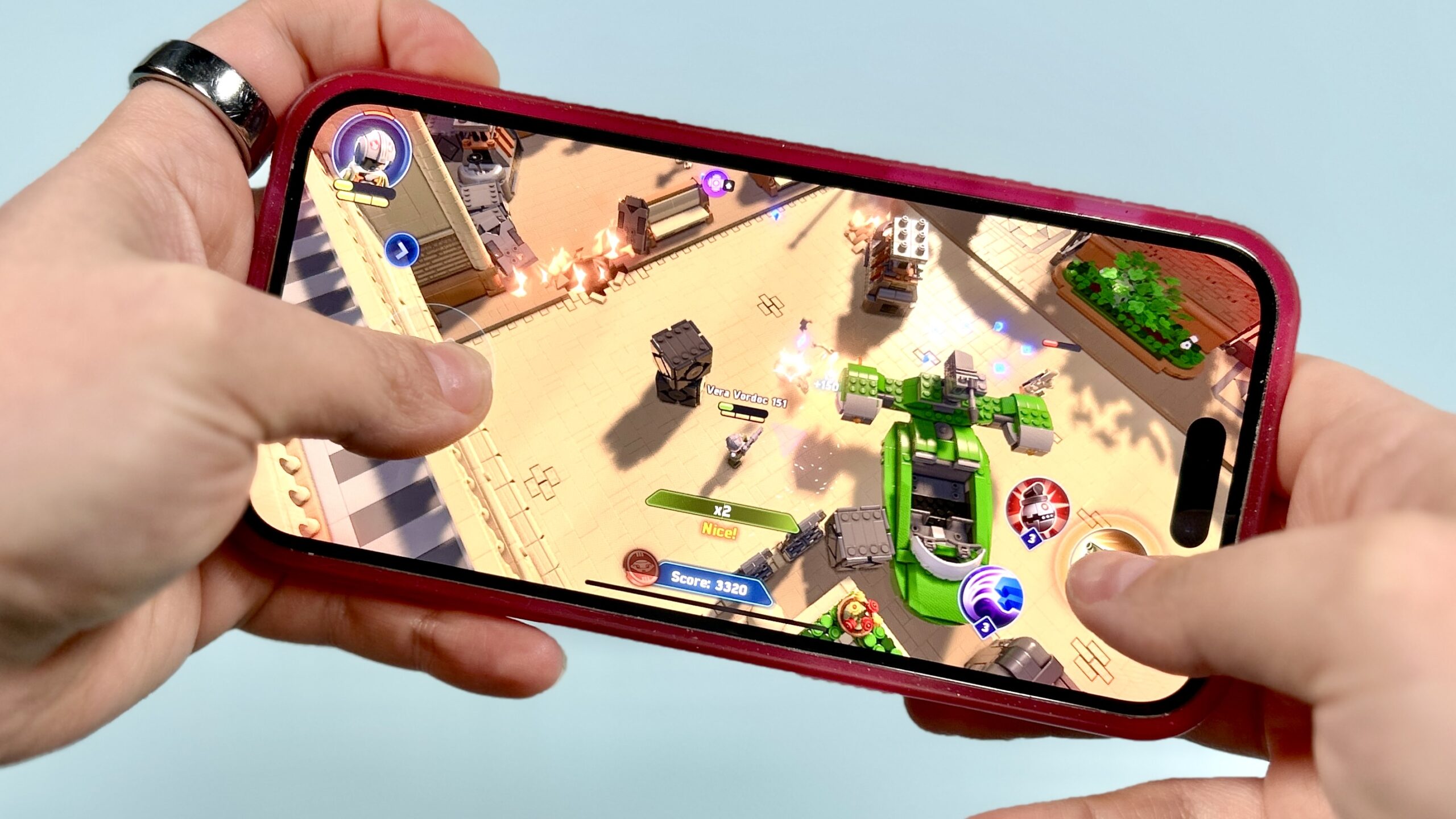
Mobile arcade games have become a major part of everyday entertainment. From quick sessions during breaks to long high-score challenges, these games are designed to fit into modern lifestyles. However, many players don’t realize that their smartphone’s performance plays a huge role in how enjoyable these games actually feel.
Games like Cat Chaos Crash rely on smooth animations, quick response times, and stable frame rates. If your phone struggles in any of these areas, even a simple arcade runner can feel slow, frustrating, and unresponsive.
In this article, we’ll explore how smartphone hardware and software directly affect arcade gaming and what you should look for to get the best possible experience.
Why Performance Matters in Mobile Arcade Games
Arcade games may look simple, but they are constantly processing movement, collisions, animations, and score calculations in real time. Unlike turn-based or puzzle games, runners and action-based titles demand instant reactions.
When performance drops, players may experience:
Delayed touch response
Sudden frame drops
Game stuttering
Overheating issues
Faster battery drain
All of these problems can turn an enjoyable game into a frustrating one.
The Role of the Processor (CPU) in Gameplay
How the CPU Affects Arcade Games
The processor, or CPU, is the brain of your smartphone. It handles calculations, game logic, and background tasks.
In arcade games, the CPU manages:
Character movement
Obstacle generation
Score tracking
Event triggers
If your CPU is weak or overloaded, the game may lag when things get intense.
What to Look For
For smooth gameplay, your phone should have:
A modern multi-core processor
Good single-core performance
Efficient power management
Mid-range and flagship processors usually perform much better than older budget chips.
GPU Performance and Visual Smoothness
Why the GPU Is Important
The Graphics Processing Unit (GPU) handles everything related to visuals. This includes textures, animations, lighting, and effects.
In games like Cat Chaos Crash, the GPU is responsible for:
Smooth character animations
Stable background scrolling
Visual effects during gameplay
A weak GPU can cause choppy graphics and frame drops.
Signs of Poor GPU Performance
If your GPU isn’t strong enough, you may notice:
Blurry textures
Sudden freezes
Screen tearing
Lower frame rates
These issues become more noticeable as game speed increases.
RAM: Keeping Games Running Smoothly
How RAM Impacts Gaming
RAM (Random Access Memory) stores temporary data that apps and games need while running. When you open a game, it loads textures, sounds, and assets into RAM.
If your phone has limited RAM, it may struggle to keep everything active.
Problems Caused by Low RAM
Games reload frequently
Background apps close unexpectedly
Slower performance after long sessions
Lag when switching apps
For casual gaming, at least 4GB RAM is recommended, while 6GB or more offers better long-term stability.
Display Quality and Refresh Rate
Why the Screen Matters for Arcade Games
Your phone’s display affects how responsive and immersive games feel. Two main factors matter here: refresh rate and touch sampling rate.
Refresh Rate
Refresh rate refers to how many times per second your screen updates. Common options include:
60Hz (standard)
90Hz
120Hz
Higher refresh rates make movement look smoother, especially in fast runners.
Touch Response
Touch sampling rate determines how quickly your screen detects input. A higher rate means faster reaction time, which is crucial for dodging obstacles.
Impact on Gameplay
A good display provides:
Better visual clarity
Reduced motion blur
Faster reaction time
More immersive experience
Storage Speed and Game Loading
Why Storage Affects Performance
Internal storage doesn’t just store apps—it also affects how quickly games load data. Modern phones use faster storage types that improve loading times.
How Slow Storage Impacts Games
With slow storage, you may experience:
Longer loading screens
Delayed texture loading
Occasional freezing
This becomes noticeable when games update frequently or load new environments.
Battery Health and Gaming Stability
Battery Performance Matters More Than You Think
A weak or degraded battery can reduce gaming performance. When battery health declines, phones often limit processing power to save energy.
Common Battery-Related Issues
Sudden frame drops
Performance throttling
Unexpected shutdowns
Reduced brightness
If your phone heats up during gaming, it may slow itself down automatically to protect the battery.
Software Optimisation and Operating System
How Software Affects Gaming
Even with good hardware, poor software optimisation can ruin performance. The operating system, background apps, and system updates all influence gameplay.
Key Factors
OS updates
Gaming modes
Background app control
Memory management
Many modern phones include “Game Mode” or “Performance Mode” features that prioritise gaming resources.
Benefits of Good Optimisation
Reduced notifications
Better frame stability
Lower latency
Improved battery usage
Using these features can significantly improve your experience.
Internet Connection: Online vs Offline Play
Although many arcade games work offline, some features still depend on internet connectivity.
When Internet Matters
Cloud saves
Leaderboards
Ads and rewards
Updates
A poor connection may not affect gameplay directly, but it can slow down loading times and disrupt bonus features.
How to Improve Gaming Performance on Your Phone
If you’re facing lag or stuttering, try these simple steps:
Close Background Apps
Free up RAM and processing power before playing.
Enable Game Mode
Use built-in gaming features if available.
Reduce Graphics Settings
Lower visual settings if the game supports it.
Update Your Software
Keep your system and apps up to date.
Manage Storage
Delete unused apps and files to improve speed.
Avoid Overheating
Remove phone covers during long sessions and avoid playing while charging.
These small changes can make a big difference.
Choosing the Right Phone for Arcade Gaming
If you’re planning to upgrade, focus on these key specs:
Minimum Recommendations
Processor: Mid-range or better
RAM: 4GB+
Display: 60Hz minimum
Storage: Fast internal memory
Ideal Setup
Strong CPU and GPU
6GB+ RAM
90Hz or 120Hz display
Large battery with fast charging
This setup ensures smooth performance for years.
Final Thoughts
Arcade games like Cat Chaos Crash game may look simple, but they rely heavily on smartphone performance. From processor speed and GPU power to RAM, display quality, and battery health, every component plays a role in how enjoyable the game feels.
If your phone struggles, even the best-designed game can feel frustrating. On the other hand, a well-optimized device can turn casual gaming into a smooth and addictive experience.
By understanding how your smartphone works and choosing the right hardware, you can enjoy arcade games at their full potential—without lag, stutters, or interruptions.





Leave a Reply