
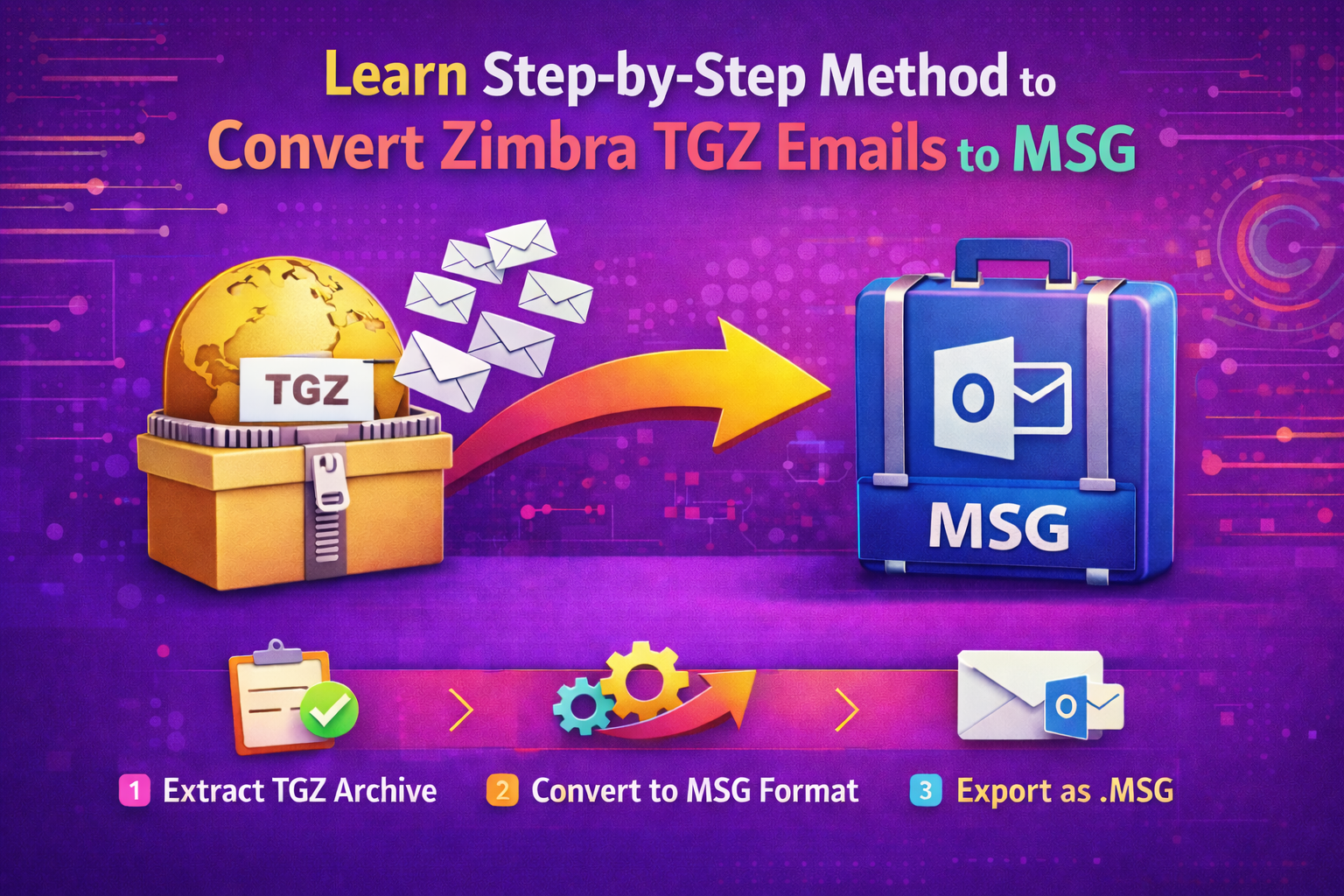
In summary, if you use Zimbra and wish to convert your emails to MSG format, you’ve come to the right spot. The finest Zimbra Converter Tool for exporting Zimbra emails to MSG will be discussed in this post. Before learning how to save Zimbra mailboxes in MSG format, let’s start by grasping the basics of the TGZ and MSG formats.
What are Zimbra TGZ and MSG formats?
Data is stored in both Zimbra TGZ and MSG file formats. However, they serve distinct functions and are compatible with various email clients. An overview of Zimbra TGZ and MSG formats will be provided here.
Zimbra TGZ: The Zimbra TGZ file format, which is compressed into a folder, keeps all of your Zimbra contacts, calendars, emails, and other data in one place. It makes it simple to back up and move your Zimbra data.
MSG: Microsoft Outlook uses the MSG file format to holda single email message together with its contents, attachments, and other information. It’s a convenient way to save and distribute individual emails, which makes managingand organizingyour email correspondence simple.
After learning about the Zimbra TGZ and MSG file formats, let’s discuss the rationale for the conversion from Zimbra TGZ to MSG.
Why do we need to export Zimbra emails to MSG format?
It is possible to convert Zimbra TGZ files to MSG for a variety of reasons. Now, let’s discuss the primary reasons that Zimbra email data must be converted to MSG format.
- Opening the exported emails is simple because MSG files are compatible with numerous email programs.
- It’s similar to creating a backup copy for later when you move Zimbra to MSG.
- MSG files make it simple to arrange and categorize emails, which keeps your inbox neat.
- Email collaboration and communication are facilitated by the ease with which MSG files may be shared.
- You may ensure the security of your Zimbra emails by exporting them to MSG.
Once you have reviewed the previously mentioned points, proceed to learn the best method to export Zimbra TGZ files to MSG format.
Manual Method to Convert TGZ to MSG
The manual method does not directly convert TGZ to MSG.
You need to follow multiple steps using Zimbra and Outlook.
- Backup TGZ file to avoid data loss.
- Rename .tgz to .zip and extract it using WinRAR/7-Zip.
- Open the Mail folder and locate EML files.
- Open Outlook and drag-and-drop EML files into an Outlook folder.
- Open each email → File > Save As > MSG format.
- Repeat the process for all required emails.
Limitations of the Manual TGZ to MSG Method
- No direct conversion option
- Very time-consuming for large mailboxes
- Risk of data loss or missing attachments
- Folder structure is not preserved
- Requires Outlook and technical skills
- Not suitable for bulk email conversion
Quick Way to Export Zimbra Emails to MSG Format in Bulk
WholeClear TGZ to MSG Converter is a reliable solution designed to convert Zimbra TGZ files into MSG format without data loss. This tool helps users easily access Zimbra emails in Microsoft Outlook while keeping the email structure intact. It supports complete mailbox conversion, including emails, attachments, subject lines, sender/receiver details, and email formatting. Both technical and non-technical users may easily run the program thanks to its straightforward and user-friendly interface. One or more TGZ files can be added, and they can all be converted into MSG format at once. Additionally, it keeps the original folder organization, saving time when handling emails after conversion.
Errors that typically arise in manual approaches are avoided, and correct results are guaranteed by the tool. On Windows PCs, it functions well and doesn’t require a high level of technical expertise. All things considered, this solution is perfect for consumers looking for a quick, safe, and effective way to automatically convert TGZ emails into MSG format.
Instructions to Export Zimbra Emails to MSG in Bulk:
- Installing the Zimbra Converter Tool on your PC as an administrator is the first step.
- Choose “Select File” to add a single TGZ file, or “Select Folder” to add a folder with several TGZ files.
- Select certain objects to convert from the tree structure after uploading the TGZ files.
- Next, select the MSG file format as the desired output format for the conversion from the drop-down option.
- Choose optional features and filters from the software wizard to tailor the conversion process to your requirements.
- Lastly, to begin the conversion process, click the Convert button.
Using the preceding instructions, you may export any amount of data from Zimbra emails to MSG format. It also provides a number of features, some of which are listed below.
Features of the Above Advanced Software
The most dependable and trustworthy option for exporting Zimbra emails to MSG with or without attachments is the automatic technique. Additionally, it contains a number of features that we will go over in the part that follows.
- Allows you to export Zimbra’s contacts, calendars, tasks, emails, and attachments.
- You may export certain emails, tasks, and calendars within predefined time limits using its Date filter tool.
- This tool allows you to eliminate duplicate emails based on the Subject, To, From, and Body fields.
- Gives users the option to migrate to Zimbra while maintaining their folder hierarchy.
- This program is available for free download on your computer and may be used on Windows and Mac devices.
When you need to convert Zimbra mail to MSG in bulk, this automated tool’s numerous other capabilities make it simple and rapid.
Conclusion
We have investigated the most effective and dependable method for easily exporting Zimbra emails to MSG. As everyone knows, it’s difficult to manually upload large numbers of Zimbra TGZ files to MSG format. For mass exporting Zimbra emails to MSG in only a minute, we advise selecting risk-free software. Furthermore, a lot ofexperts concur that using an automated method is the easiestway to getreliable and accurate results faster. For a hassle-free conversion of your Zimbra emails to MSG format, we advise you to use the cleverprogram.





Leave a Reply