
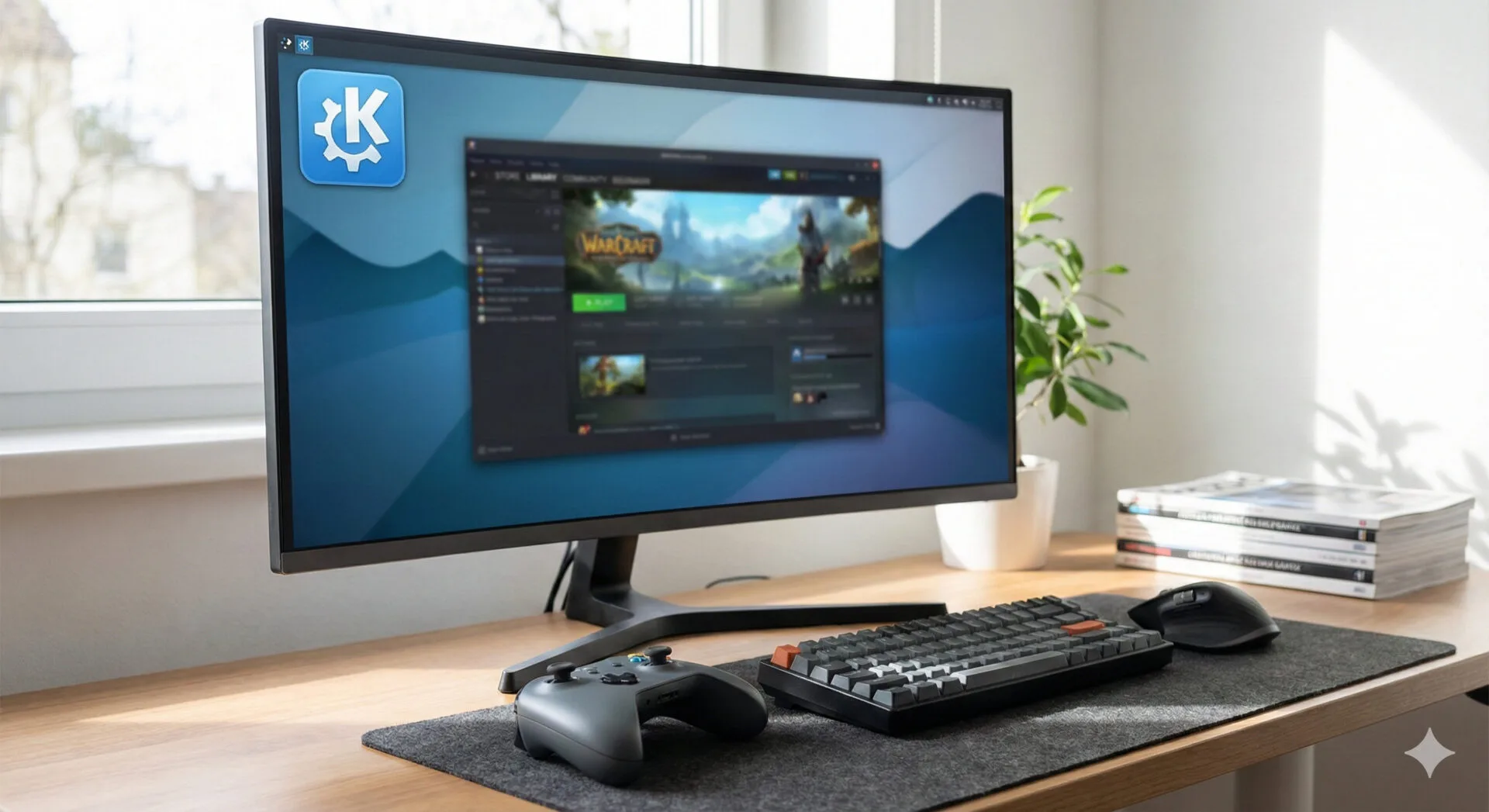
The problem: gamepads don’t always keep Plasma “awake.”
For many Linux gamers, KDE Plasma is one of the most feature-rich and customizable desktop environments available—often praised for its flexibility, productivity options, and steady cadence of incremental improvements. But for anyone who plays PC games primarily with a controller, Plasma has had a particularly frustrating quirk: gamepad input hasn’t consistently been treated as user activity.
That sounds minor until it happens at the worst possible moment. In practical terms, it means a player can be actively playing—moving, aiming, and fighting with a controller—yet Plasma may still decide the system is idle. The result can be an automatic sleep event or screen lock right in the middle of gameplay.
This is especially annoying in games designed around controller-first ergonomics, where the keyboard and mouse might not be touched for long stretches. On many systems, a quick mouse wiggle or keypress becomes an awkward “ritual” before a boss fight or competitive match—an inelegant workaround for an issue that feels like it shouldn’t exist on a modern desktop.
What’s changing in Plasma 6.6.0
According to KDE’s weekly development updates (commonly shared via the “This Week in Plasma” blog series), KDE Plasma 6.6.0 is slated to fix this behavior by treating controller input as activity.
Controller input will count as “activity”
In Plasma 6.6.0, using a game controller will count as activity, preventing the system from automatically going to sleep or locking the screen during play. The change is associated with KDE bug #328987, credited to contributor Yelsin Sepulveda.
For gamers, the impact is straightforward:
- No more mid-game sleep/lock because the desktop thinks nothing is happening
- Fewer workarounds like periodic mouse movement
- Better “console-like” behavior for controller-centric setups (including living-room PCs)
While the feature sounds simple, it sits at an important intersection of input handling and power management—two areas where edge cases can easily slip through when the “primary” activity signals are assumed to be keyboard and mouse.
Expected timing: a mid-February target
KDE development timelines can shift, but current guidance indicates a mid-February release window for Plasma 6.6.0, provided everything remains on track.
That timing matters because it frames the fix as relatively near-term rather than a vague “someday” promise. For players affected by the issue, it means the wait may be measured in weeks, not months.
For readers who like to track KDE’s longer arc of iteration, it’s also a reminder of how Plasma evolves: small, practical fixes that remove friction from everyday use—often based on bug reports and real-world annoyance rather than flashy redesign.
Why this matters beyond “just gaming.”
It’s tempting to treat this as a niche fix, but it has broader implications for how Linux desktops accommodate modern usage patterns.
Controllers are mainstream PC input devices now
Controllers aren’t just for console ports anymore. Many PC players prefer gamepads for:
- third-person action games
- platformers and metroidvanias
- racing titles
- fighting games
- couch co-op and living-room PC setups
On Linux, that trend is amplified by the growth of controller-friendly ecosystems, including Steam’s controller tooling and the broader momentum around handheld and TV-style gaming PCs.
Power management should reflect real activity
From a user experience standpoint, “activity” should mean the user is interacting with the machine, not “the user is interacting in a keyboard/mouse-shaped way.” If a system can interpret media keys, touchpads, pens, and accessibility devices, it should also interpret gamepads—especially when a controller is the primary input device for a session.
Plasma 6.6.0’s change is therefore a meaningful correction in how the desktop defines engagement.
Other Plasma 6.6.0 fixes highlighted by KDE
The controller activity change may be the headline for gamers, but Plasma 6.6.0 is also expected to ship with several fixes aimed at stability and multi-device reliability.
Better awareness after sleep when the power state changes
One fix addresses a scenario that laptop users will recognize: plugging in or unplugging power while the device is asleep. In Plasma 6.6.0, when a laptop is plugged in or unplugged during sleep, it should wake up aware of the current power state (KDE bug #507203, credited to Nate Graham).
This kind of fix can prevent confusing behavior after resume, like power profiles, brightness policies, or battery indicators being out of sync with reality.
Potential fix for a common panel-related crash
KDE also notes a change that may fix one of the most common Plasma panel-related crashes, associated with a merge request in plasma-workspace (MR #6086, credited to David Edmundson).
Panels are central to the Plasma workflow—launchers, trays, widgets, and task managers—so improvements here can have a significant impact on perceived stability.
Spectacle toolbar rendering fix for multi-monitor setups
KDE’s Spectacle screenshot tool is also receiving a targeted fix: in Rectangular Region mode, some toolbars could appear off-screen in certain multi-monitor configurations where displays don’t share a baseline. Plasma 6.6.0 aims to correct that behavior (KDE bug #468794, credited to Mario Roß).
Multi-monitor geometry issues are notoriously tricky, so incremental improvements like this are important for users running mismatched displays (common in home offices and hybrid work setups).
What users can do until the fix arrives
If you’re on Plasma today and you’ve been bitten by the “controller doesn’t count as activity” issue, there are a few practical stopgaps—though none are as clean as a proper fix.
- Temporarily extend screen-lock and sleep timers while gaming
- Use a game mode or “presentation mode” feature if your distro offers it
- Keep a keyboard nearby to tap a key occasionally (the classic workaround)
For many users, the simplest approach remains adjusting power settings per session. But the fact that Plasma is addressing the root issue is what matters.
KDE’s iterative approach: small fixes, real impact
KDE Plasma’s development culture often shines most in changes like this: not necessarily headline-grabbing visual refreshes, but fixes that remove daily friction.
Long-time KDE watchers will recognize that this is part of a broader pattern of continuous refinement—something that has been visible across years of releases and snapshots, from early previews like Fresh KDE snaps for February 2019 to today’s Plasma 6-era polish.
That continuity matters because it shows how user-reported pain points can translate into concrete improvements—especially when they’re well-scoped and tied to specific bug reports.
Where to follow the official project and upcoming releases
For readers who want to track Plasma releases and changelogs directly, KDE’s official channels remain the best source for authoritative updates.
- The KDE project portal: KDE
- Plasma desktop information: KDE Plasma
- Bug tracking and issue details: KDE Bugzilla
These are also useful references if you want to confirm whether a fix has landed in your distro’s packaged version, or if you’re testing Plasma via rolling releases.
What to watch for when Plasma 6.6.0 lands
Once Plasma 6.6.0 is available in your distribution, the controller activity fix should be easy to validate:
- Start a controller-driven game
- Avoid touching the mouse/keyboard for longer than your usual lock/sleep threshold
- Confirm the system does not lock or sleep while the controller input continues
If you still experience sleep/lock events, it may indicate a device-specific edge case (driver layer, controller type, or input stack differences), and it could be worth checking upstream bug reports or filing a new one with details.
Bottom line
KDE Plasma 6.6.0 is shaping up to deliver a fix that many Linux gamers have wanted for years: controller input will finally count as activity, preventing the desktop from locking or sleeping mid-game.
It’s not the flashiest feature, but it’s exactly the kind of quality-of-life improvement that makes a desktop environment feel like it understands how people actually use their PCs—especially as controller-first gaming continues to grow on Linux.
Source: Read Original Article





Leave a Reply