
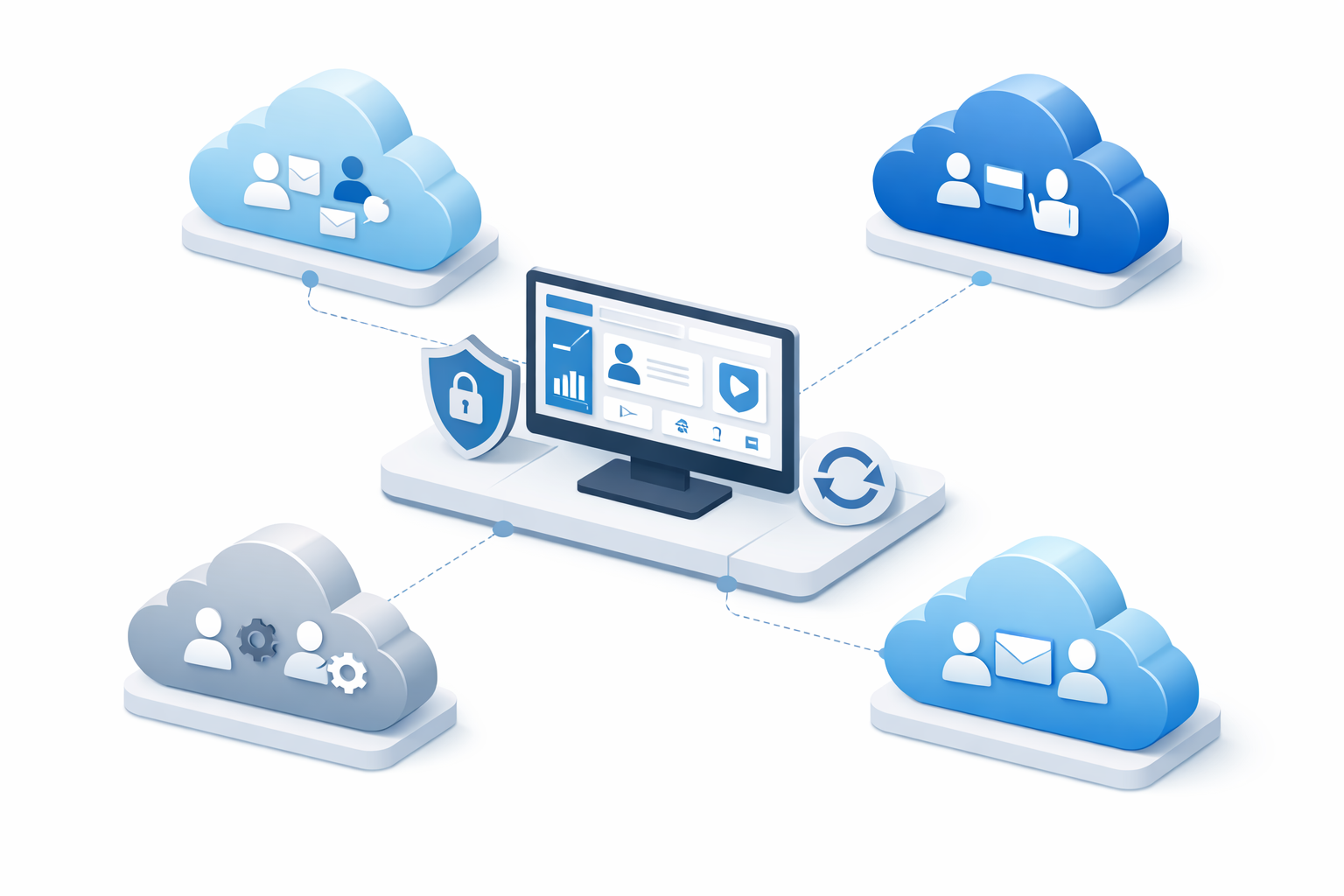
For IT administrators, Managed Service Providers (MSPs), and enterprise architects, knowing how to manage multiple Office 365 tenants is one of the most complex challenges in cloud administration.
Whether your organization is navigating a recent merger, operating globally across different regulatory zones, or functioning as an IT partner managing client environments, constantly logging in and out of different portals is inefficient and poses a security risk.
This guide breaks down the official 2026 Microsoft tools and architectural strategies available to streamline multi-tenant management, improve collaboration, and maintain central control without compromising security.
Why Organizations Operate Multiple M365 Tenants
Before diving into the solutions, it helps to understand why an organization might not just use a single, unified tenant. Common scenarios include:
Mergers and Acquisitions (M&A): Acquiring a new company often means inheriting its active M365 environment.
Data Residency Requirements: Global enterprises may require separate tenants to comply with strict local data sovereignty laws.
Conglomerate Structures: Parent companies with highly independent subsidiaries often keep administrative boundaries strict for billing purposes, sometimes requiring admins to transfer an Office 365 subscription to another account to balance licensing costs.
Dev/Test Environments: IT teams frequently spin up sandbox tenants separate from the production environment for safe testing.
Regardless of the reason, once you have established your infrastructure, relying on disparate portals to manage multiple tenants Office 365 style, quickly becomes a bottleneck.
3 Ways to Manage Multiple Office 365 Tenants
Microsoft provides several distinct administrative pathways depending on your organizational structure and whether you are an internal enterprise admin or an external IT partner.
1. Microsoft 365 Lighthouse (Best for MSPs & Partners)
If you are an IT service provider, Microsoft 365 Lighthouse is your primary command center. It provides a single pane of glass to secure, manage, and monitor all your small-to-medium business (SMB) customers.
Centralized Alerts: View security threats and device compliance issues across all client tenants simultaneously.
Standardized Baselines: Deploy consistent security configurations (like MFA policies) to multiple tenants with a few clicks.
User Management: Reset passwords, block sign-ins, and manage access without needing to authenticate into each client tenant.
2. Multi-Tenant Organization (MTO) Capabilities (Best for Internal Enterprise)
For massive enterprises functioning under an umbrella corporation, the Multi-Tenant Organization (MTO) feature set allows admins to logically group multiple Entra ID tenants so they behave more like a single organization.
Seamless Teams Collaboration: Employees can search for users, chat, and join meetings across tenant boundaries as if they were in the same directory.
Unified Search: Users can find profiles and contact information regardless of which tenant houses the target user.
3. Entra ID Cross-Tenant Synchronization
Operating beneath the MTO features is Cross-Tenant Synchronization. This allows administrators to automate the creation, update, and deletion of B2B collaboration users across distinct tenants.
To configure these trust relationships, the very first step is establishing identity boundaries, which requires knowing exactly how to find your Microsoft 365 tenant ID credentials for every environment involved.
Administrative Challenges Across Boundaries
Even with advanced synchronization tools, making Office 365 manage multiple tenants seamlessly requires hands-on data routing.
When collaborating across boundaries, admins frequently need to set up complex mail flow rules to forward emails to multiple users who might exist in a completely different tenant.
Similarly, if a subsidiary is being restructured or dissolved, IT will often migrate an Office 365 shared mailbox to a user mailbox in the parent tenant to preserve critical historical communications before the old environment is decommissioned. You must also remember to remove a domain from an Office 365 tenant before you can register that same custom routing domain in your newly unified environment.
Frequently Asked Questions (FAQ)
Can you merge two Office 365 tenants natively? No. Microsoft does not offer a native “click-to-merge” button. To combine two Office 365 tenants, you must perform a complex tenant-to-tenant migration, which involves moving domains, mailboxes, SharePoint data, and user identities from the source to the target.
Is Microsoft 365 Lighthouse free? Yes, Microsoft 365 Lighthouse is free for IT partners enrolled in the Microsoft Cloud Partner Program, provided the client tenants meet specific licensing requirements (such as having Microsoft 365 Business Premium).
Can one user have the same email address in two different tenants? No. A custom domain (e.g., company.com) can only be verified in one Microsoft 365 tenant at a time. To use that domain in a different tenant, you must completely remove it from the original one first.
Does cross-tenant synchronization cost extra? Cross-tenant sync is a feature of Entra ID. It requires an Entra ID Premium P1 license for the admin configuring the policy, but the synced B2B users fall under standard External Identities billing (which allows the first 50,000 monthly active external users for free).
The Ultimate Solution: Consolidate Your Tenants
While managing multiple environments is possible with tools like MTO and Lighthouse, the most secure, cost-effective, and efficient strategy is almost always consolidation.
If you are tired of paying redundant licensing fees, fighting cross-tenant compliance policies, and constantly wondering how to manage multiple Office 365 tenants without breaking user access, it is time to unify your environment.
Simplify your IT infrastructure today by using the best Office 365 Tenant Migration Tool by FreeViewer to seamlessly and securely migrate all your users, emails, and files into a single master tenant.



Leave a Reply